How to Build a SaaS Tracking Infrastructure From Scratch
Learn how to build a production-grade SaaS tracking infrastructure from scratch. Covers event schemas, collection layers, validation, and tool selection for data teams.
Introduction
Most SaaS teams don't set out to build bad analytics tracking. They bolt on a snippet here, fire an event there, and before long, they're staring at a dashboard full of contradictions, duplicate events, and metrics nobody trusts. The root cause is almost always the same: there was never an architecture. Building a SaaS tracking infrastructure from scratch isn't about picking the trendiest tools. It's about designing layers, from event collection through validation to warehouse delivery, that remain reliable as your product scales. The difference between teams that trust their data and teams that don't comes down to whether they treated tracking implementation as a first-class engineering problem or an afterthought.

Laying the Foundation: Event Design and Collection
Before writing a single line of instrumentation code, you need a shared contract between your product, engineering, and data teams about what gets tracked, how it gets named, and where it gets sent. Skipping this step is the single most expensive mistake in data tracking, because renaming and restructuring events after they're in production means rewriting dashboards, breaking funnels, and invalidating historical comparisons.
Defining Your Event Taxonomy
An event taxonomy is the naming and organizational schema that governs every event your application emits. Without one, you end up with "button_clicked," "ButtonClicked," and "click_button" all representing the same user action across different surfaces. The taxonomy should follow a consistent pattern, and the most common approach for SaaS products is an object-action model (e.g., "form_submitted," "subscription_upgraded").
Object-Action naming: Pair the noun (what the user interacted with) and the verb (what happened) to keep events scannable and sortable across your entire catalog.
Property standards: Define required properties per event, such as user_id, session_id, timestamp, and context-specific fields like plan_type or feature_name, so downstream consumers can rely on consistent schemas.
Versioning from day one: Append a schema version to every event payload so that when properties change, your pipeline knows which contract to validate against.
Governance ownership: Assign a single team or individual as the event taxonomy governance owner who approves new events and enforces naming conventions before code merges.
Choosing Your Collection Layer
The collection layer is where events are captured and forwarded. You have two primary architectural choices: client-side instrumentation (JavaScript SDKs running in the browser) and server-side instrumentation (events fired from your backend). Client-side collection is easier to implement but increasingly unreliable. Ad blockers, browser privacy restrictions, and consent banners can strip 20 to 30 per cent of your events before they ever reach a destination. Server-side tracking captures events at the application layer, bypassing browser interference entirely and giving you a more accurate picture of user behaviour.
For most SaaS products, the practical answer is a hybrid model. Use server-side tracking for critical business events like signups, purchases, and subscription changes, while client-side handles engagement signals like page views and UI interactions. Tools like Segment, Rudderstack, or a custom HTTP endpoint can serve as the router that accepts events from both sources and normalizes them into a single stream. This is where data integration patterns become essential for ensuring both streams converge cleanly. A clear integration architecture helps maintain consistency across multiple event sources.
Building the Pipeline: Validation, Routing, and Storage
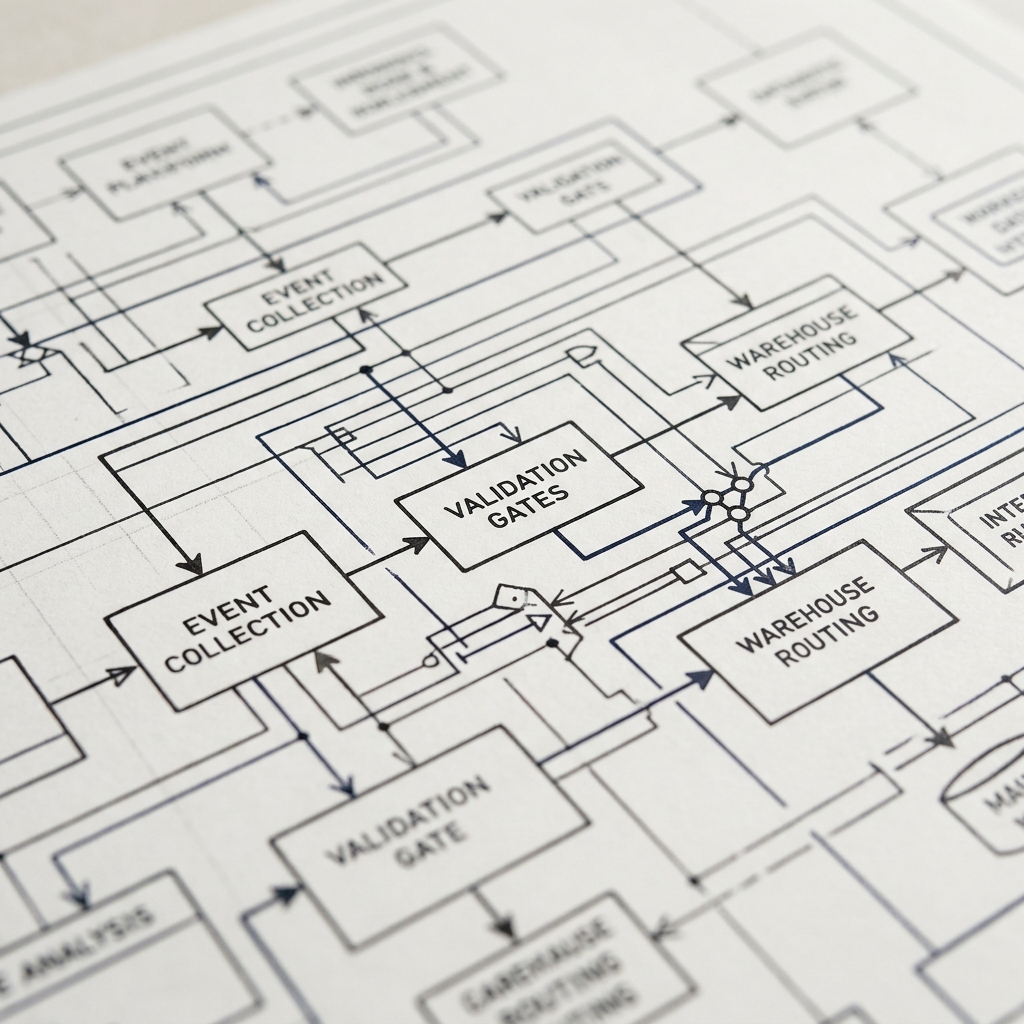
Once events are collected, the next challenge is making sure they arrive at their destination intact, correctly structured, and without duplicates. This middle layer, the pipeline, is where most tracking infrastructure quietly fails. Events get dropped, schemas drift, and nobody notices until a quarterly report doesn't add up. Designing this layer with validation gates, routing logic, and reliable storage from the start prevents the kind of analytics debt that takes months to untangle.
Schema Validation and Quality Gates
Every event entering your pipeline should be validated against its declared schema before it reaches any analytics tool or warehouse. This means checking that required properties exist, data types match expectations, and enum values fall within allowed ranges. JSON Schema is the most common standard for defining these contracts, and validation can happen at the collection layer (rejecting malformed events immediately) or at a processing step before warehouse ingestion.
The key insight is that validation should fail loudly. Silent failures, where malformed events are quietly dropped or stored with null fields, are far more damaging than a rejected event that triggers an alert. Integrate schema checks into your CI/CD tracking automation pipeline so that any code change touching event instrumentation is automatically tested against the current schema registry. This catches breakage before it ships. For teams using event streaming, platforms like Kafka support schema registries natively, making real-time streaming architecture a natural fit for inline validation at scale.
Routing Events to Destinations
Not every event belongs in every tool. Your product analytics platform needs user interaction events, your billing system needs subscription lifecycle events, and your warehouse needs everything for long-term analysis. The routing layer decides which events go where. A Customer Data Platform (CDP) or an event router like Segment handles this fan-out, taking a single event stream and distributing copies to multiple destinations based on rules you define.
When evaluating tracking solutions for product teams, consider whether you need real-time delivery to all destinations or if batch loading to the warehouse is acceptable. Real-time routing adds complexity and cost, so reserve it for destinations that genuinely require low-latency data, like triggered email or in-app messaging. For warehouse delivery, batch micro-loads every five to fifteen minutes are typically sufficient. TrackRaptor's deep dive on event streaming with Kafka covers the architectural trade-offs between real-time and batch approaches in detail. If your team is evaluating tools, remember that the best tracking solutions are the ones that match your actual latency requirements, not the ones with the most impressive feature lists.

Maintaining and Scaling the System
Shipping the initial tracking infrastructure is only half the work. The other half is making sure it stays accurate as your product evolves, new engineers join the team, and business requirements shift. A tracking system without ongoing audits and monitoring degrades faster than almost any other part of your codebase, because changes are invisible until the data is already wrong.
Automated Audits and Monitoring
Manual tracking audits don't scale. By the time someone manually checks that every event is firing correctly across every surface, the product has already changed. Instead, build automated checks that run continuously. These include volume anomaly detection (alerting when an event's daily count drops or spikes beyond expected thresholds), schema drift detection (flagging events with unexpected properties), and end-to-end pipeline latency monitoring. An automated data audit framework should be part of your infrastructure from the first deployment, not something you add after a data incident.
Pair these automated checks with a regular tracking audit cadence, perhaps monthly, where the data team reviews the event catalogue against current product surfaces. Events for deprecated features should be sunset. New features should be verified against the taxonomy. This is also the right time to review identity resolution accuracy, ensuring that anonymous-to-known user stitching is working correctly across your funnel. Auditing tracking accuracy at this cadence prevents the slow rot that makes teams lose confidence in their numbers.
The Semantic Layer and Downstream Trust
Raw events in a warehouse are only useful if teams across the organization can query them consistently. This is where a semantic layer becomes critical. It defines shared metric definitions (what counts as an "active user," how MRR is calculated, what constitutes a conversion) so that the product team, finance, and growth are all working from the same numbers. Without it, two dashboards built by two different analysts will inevitably produce two different answers to the same question.
Tools like dbt metrics layer or LookML can serve as the semantic contract on top of your warehouse. This layer transforms your raw event data into business-meaningful models that non-technical stakeholders can trust. Building a semantic layer for consistent SaaS metrics is the final step that turns a solid tracking infrastructure into an organizational asset. When TrackRaptor covers tracking architecture, this is the throughline: every layer exists to serve the one above it, from raw collection to trusted business metrics.
Conclusion
Building a tracking infrastructure from scratch requires deliberate architectural decisions at every layer: event taxonomy design, hybrid collection, schema validation, intelligent routing, and automated audits that catch degradation before it reaches dashboards. The teams that get this right treat tracking as a core engineering system, not a side project for the analytics intern. Start with your event contracts and governance model, layer in validation and CI/CD gates, and build monitoring from day one rather than retrofitting it after the first data crisis.
Explore TrackRaptor's full library of deep-dive guides on tracking architecture, event streaming, and analytics engineering to build every layer with confidence.
Frequently Asked Questions (FAQs)
How to implement event tracking?
Define an event taxonomy with consistent naming conventions, instrument events using SDKs or server-side calls at each product surface, validate payloads against a schema registry, and route them to your analytics tools and warehouse through a centralized collection layer.
How to reduce tracking data loss?
Implement server-side tracking for critical business events, use retry logic and dead-letter queues in your pipeline, and monitor event volume anomalies with automated alerts so drops are caught within minutes rather than weeks.
How to audit tracking implementation?
Combine automated schema validation and volume anomaly detection in your CI/CD pipeline with a monthly manual review that maps active events against current product surfaces and deprecates unused ones.
Can tracking work with Kafka?
Kafka is an excellent backbone for tracking infrastructure because it provides durable, ordered event streams with built-in schema registry support, allowing you to validate, route, and replay events reliably at any scale.
How to version control event tracking schemas?
Store event schemas as versioned JSON Schema files in your code repository, enforce backward compatibility checks in pull requests, and use a schema registry that rejects breaking changes before they reach production.